FastReply Signature

CASE STUDIES

Different businesses.
Practical experiences.

A registration to collect, a contract to send, a document to find. Discover how other businesses have brought Signature into their work.

Explore the experiences

A collection of 17 cases told by FastReply Signature.

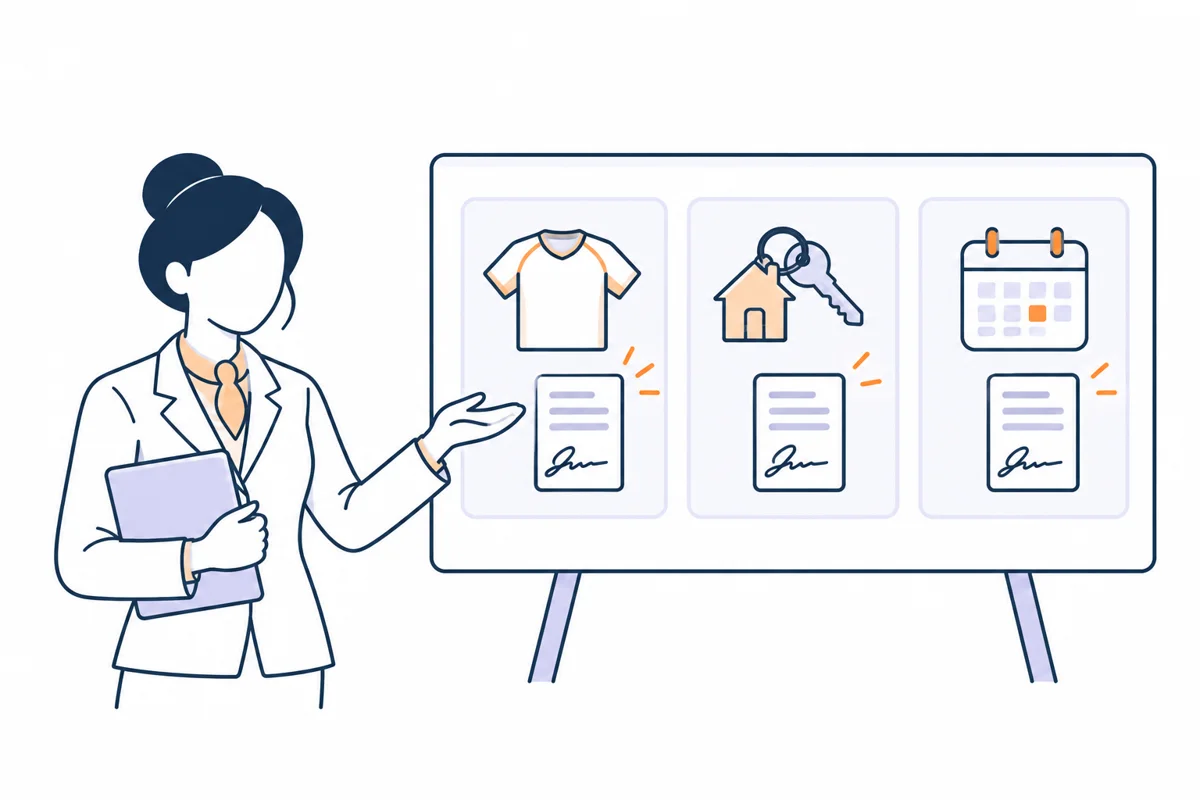
A professional presents three illustrated cards showing sport, hospitality and events, each with a signed document.
Illustration of usage contexts, not the customers mentioned.

FROM PROBLEM TO WORKFLOW

Find a need
similar to yours.

The summaries draw on experiences published on the FastReply Signature website. Each card links to the full case and an in-depth article for your business. Original sources are listed on the case pages.

Sport and associations

Membership applications go online

The need
An ASD, an Italian amateur sports association, wanted to collect membership applications, event registrations and photo and video permissions.
The workflow
Applicants complete and sign with Signature; the data can pass to AquaDivePro, used for members, fees and deadlines.
What changes in the work
The association finds the documents and continues its admission procedure: signing the application does not automatically grant membership.

Estate agencies

The agreement with the owner goes online

The need
An agency collected the contract with the owner before adding the property to its portfolio.
The workflow
The document arrives by email or WhatsApp; the owner completes and signs it on their phone.
What changes in the work
The agency finds the document in the archive and continues its checks.

Hospitality and rentals

From booking to contract with an API

The need
A travel agency wanted a connection between bookings and short-term rental contracts.
The workflow
A dedicated integration brings management system data into the document. After signing, Signature reports the outcome to the agency’s software.
What changes in the work
The contract becomes part of the booking workflow. This connection was developed for that management system and must be assessed for other systems.

Residential care facilities

Collecting documents before admission

The need
An RSA, an Italian residential care facility, collected documents on paper when welcoming residents.
The workflow
The source describes sending documents before admission and viewing signed copies in the archive.
To assess in your own context
Document types, signatories’ roles and healthcare processes require specific checks.

Hospitality

The privacy document before arrival

The need
A hotel collected paper signatures on the privacy document at check-in.
The workflow
Email before the stay and a QR code at reception for those still needing to complete it.
What changes in the work
The guest can read and sign on their phone; staff find the document in the archive.

Sport and associations

Documents completed before the race

The need
A small running association collected paper documents before races.
The workflow
Participants complete and sign on their phones in the days beforehand.
What changes in the work
Document collection takes place ahead of volunteers’ activities on the day of the event.

Film productions

Extras’ documents, from set to office

The need
A production collected extras’ documents on paper at filming locations.
The workflow
Sending by email or WhatsApp, a QR code at the meeting point and completion on smartphones or tablets.
What changes in the work
Offices consult the archive and export data for their own processes.

Businesses and human resources

HR documents collected remotely

The need
A technology company with multiple locations collected contracts and documents from new employees.
The workflow
The recipient receives a link and completes and signs on their own device.
What changes in the work
The team views signed documents in the archive. The source also mentions a specific integration with the management system.

Events and tourism promotion

A QR code to get to know visitors

The need
A DMO wanted to collect visitor contacts and interests at trade fairs, avoiding paper forms requiring transcription.
The workflow
Visitors scan the QR code at the stand and complete the form on their phones, choosing Italian, English or German.
What changes in the work
The team finds the collected data and preferences in digital format. The case describes the workflow of a specific tourism organisation.

Sport and gyms

Registration prepared before arrival

The need
A fitness centre handled registration forms, membership contracts and releases at reception.
The workflow
New members receive a link by email or WhatsApp and complete and sign on their own devices, even before reaching the gym.
What changes in the work
Reception views the collected documents in the archive without having to scan and sort each paper form.

Rentals

Remote contracts, renewals and extensions

The need
A car, motorbike and electric bicycle rental company needed to handle contracts both on site and for remote bookings.
The workflow
Customers complete and sign on their own devices. The workflow is also used for contract renewals and extensions.
What changes in the work
The business finds signed contracts in a digital archive that the team can consult.

Construction and trades

Documents between the site, partners and suppliers

The need
A construction company collected subcontracting agreements, supplier agreements and declarations on paper.
The workflow
Partners and suppliers receive a personal link by email or WhatsApp and sign on their own devices, including remotely.
What changes in the work
Signed documents are available to view in the archive as part of the company’s document work.

Hospitality and offices

An authorisation for parcel collection

The need
A hotel reception collected paper authorisations to receive or collect parcels for guests.
The workflow
The operator prepares the form and sends it by email or WhatsApp; the guest signs it on their phone.
What changes in the work
The signed authorisation appears in the account area and staff can retrieve it when needed.

Events and training

Registrations and preferences for a conference

The need
An organising agency needed to collect participant data and preferences for hotels, transfers and excursions.
The workflow
Participants complete an online form. The agency receives notifications and can export the information to Excel.
What changes in the work
The list is used in the company’s management system to organise the event. The account describes an export, not an automatic API integration.

Hospitality and rentals

The contract before the welcome

The need
The owner of two holiday homes wanted to collect contracts before guests arrived.
The workflow
Prepares the template and emails the link before the stay. Can share it again by WhatsApp or QR code on arrival.
What changes in the work
Receives signed documents and finds them in the archive, separating contract collection from the welcome.

Events and training

The form at the workshop entrance

The need
A photography club wanted to collect workshop registrations without handing out paper forms at the entrance.
The workflow
QR codes open the documents prepared for registration, privacy and images: one code for each document to complete and sign on a smartphone.
What changes in the work
Participants complete registration on their own devices; organisers find the collected forms.

Businesses and training

Course participation declarations collected on site

The need
A company with seasonal staff collected signatures on documents for in-person machinery training courses.
The workflow
At the end of the course, employees scan the QR code, complete the document and sign on their phones. They receive a copy by email.
What changes in the work
Those responsible view documents in the account area. Signature collects the declaration; organising and assessing training remains the company’s responsibility.

WHAT YOU CAN APPLY TO YOUR BUSINESS

Start with a document.
Design your workflow.

From the case to your use

Identify who prepares the document, who completes it and when it must be available. You can start with Signature on its own and explore a connection when needed.

Explore documents →

Every configuration has its context

Cases describe choices made by individual organisations. Documents, integrations and procedures must be defined for your work; the results are not a promise that applies equally to every business.

Learn more about integrations →

FROM THE ACCOUNT TO YOUR NEED

How to read
these experiences.

Where do the cases presented come from?

They are summaries of experiences published by FastReply Signature. Each case page links to the original account; when the source does not name the customer, we retain the description of its business.

Do I need the same type of business to use a similar workflow?

No. Data requests, registrations or contracts can occur across different sectors. Start with the document you use and when you want to collect it, then adapt the texts and fields to your needs.

Are the integrations in the cases available for any management system?

No. Connections depend on the software and configuration. Dedicated integrations, such as the travel agency’s, require an assessment of the system and data to exchange.

How can I assess my case?

Describe your business, document and current workflow on the Contact page. You can also register to try Signature and customise the sample document.

NOW LET’S START WITH YOUR WORK

Which document
do you want to simplify?

Tell us who completes it, how you send it today and where you need to find the data and PDF. This is the starting point for assessing Signature for your business.

Tell us what you need