Diving centres and schools
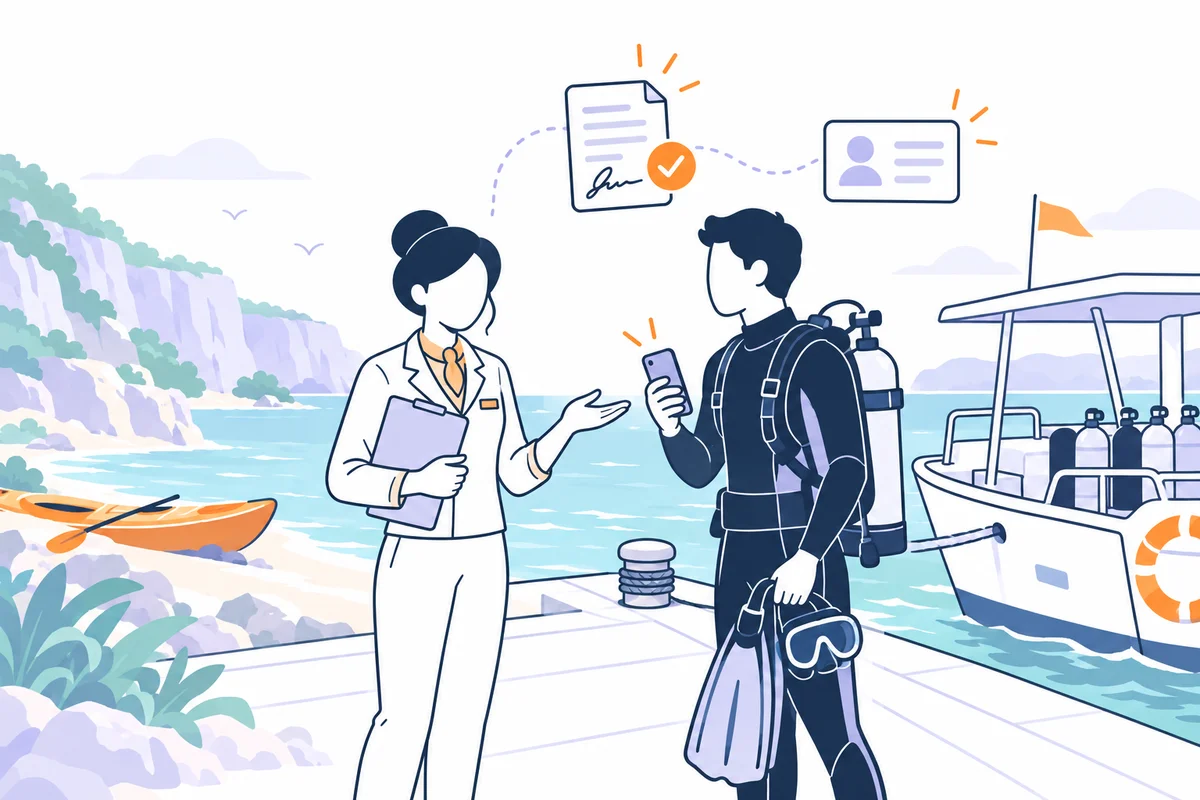
Send the form before arrival and collect required data, qualification information and the signature. With AquaDivePro connected, collected data returns to the management system.
For dives, courses and returning customers.

DIVING, SNORKELLING AND OUTDOOR EXPERIENCES
Send waivers and registration forms before the activity. Participants complete and sign on screen; you view PDFs and collected data in the archive. An AquaDivePro connection is also available for diving centres.
20 free signatures for businesses · No credit card required
FROM DIVING CENTRE TO TRAIL
Diving forms, course registrations and excursion documents: usage examples to adapt to your business’s texts and procedures. Signature also works independently.
Send the form before arrival and collect required data, qualification information and the signature. With AquaDivePro connected, collected data returns to the management system.
For dives, courses and returning customers.
Share the link with participants or display a QR code at the meeting point. Retrieve received documents before completing the welcome.
For individuals, families and groups.
Prepare registrations, participation conditions or releases for trekking, kayaking and other experiences. Documents remain collected in an archive available to view.
Even without connected management software.
BEFORE, DURING AND AFTER THE WELCOME
Choose the texts and information needed for the outing, course or excursion.
Create the document in the editor, add your logo and fields. You can adapt an available template and configure a document for minors.
Send the document to the participant with activity instructions. You can display a QR code at the meeting point.
Share a public link or use a personal invitation with prefilled data. With AquaDivePro connected, use customer data already in the management system.
Opens the link in a browser, reads the text and completes the fields. A parent or guardian signs a minor’s document.
Collects the on-screen signature, generates the PDF and stores it. The signatory receives a copy by email; you can activate submission notifications.
Check documents, requirements and collected information. Organise participants, equipment and briefing according to the centre’s procedures.
Collected data is synchronised in the management system and signed documents can be viewed by customer. The team retains responsibility for operational checks.
Retrieve a participant’s document, respond to a copy request or prepare a new activity.
Search documents, download or resend the PDF and export data. If you update the template, already signed documents remain unchanged.
TWO INFOELBA PRODUCTS, ONE CONNECTED WORKFLOW
AquaDivePro is Infoelba’s cloud management software for diving centres. It combines customer, dive, course and staff management with document collection through FastReply Signature.
Customer data in AquaDivePro can prefill Signature documents. Customers complete the required information and sign on screen.
Collected data, such as qualifications and dive information, automatically returns to AquaDivePro. The management system provides access to the document list and signed documents by customer.
A Signature account and integration configuration with support are required. We agree the connection and documents to use at your centre.
Signature credits are separate from the AquaDivePro plan. Connection to the management system does not include the credits needed for signing.
Request the connection Discover AquaDivePro, management software for diving centresLearn more on the AquaDivePro website: customer and document management, activation in the address book and plans and credits not included.
FOUR PRACTICAL EXAMPLES
Illustrative fields and situations: customise the texts for your business. These cards are not software screens or ready-to-use legal templates.
A diver receives the link before arrival. Completes required data and signs the document prepared by the centre.
EXAMPLE FIELDS
The school collects the student’s data and document for the chosen course before completing its registration procedure.
EXAMPLE FIELDS
A guide sends their form for a trekking or kayaking outing. Each participant completes the document with a reference to the experience.
EXAMPLE FIELDS
For a snorkelling activity, the parent or guardian completes and signs the document configured to also collect the minor’s details.
EXAMPLE FIELDS
You can also prepare notices, consent forms and photo and video releases with your texts. For a group, share the link or use a distribution list; for international guests, prepare the required language versions.
How to create and send a documentA SIGNATURE FEATURE FOR DIVING CENTRES
In Signature, you can generate the PDF listing participants and crew for the outing. Configure boats and crew members, then choose the date, time and dive location.
Select participants from those who signed the waiver during the period: the system checks the boat’s available places. If the menu is missing from your diving account, contact support.
This description concerns Signature’s Boat Sheet. AquaDivePro has its own operational workflow: the two products’ terms remain separate.
CREDITS, WITH AN EXAMPLE
Document creation, sending and storage do not use credits. The AquaDivePro plan is separate.
See Signature packages and termsDOCUMENTS AVAILABLE, CHECKS WITH THE TEAM
Document collection does not replace checking participant requirements, briefings or safety procedures. The centre and guides verify declared information and decide how to organise the activity.
Signature handles the document workflow. The archive allows searching, downloading and exporting; it is not a legally compliant preservation service.
QUESTIONS FROM CENTRES AND GUIDES
Practical answers to bring Signature into everyday work.
Yes. You can create, send and store documents in Signature without activating AquaDivePro or other FastReply suite products. This is also an option for guides, excursions, snorkelling and outdoor activities.
Documents can be prefilled with customer data already in the management system. Collected data is synchronised in AquaDivePro, where you can view customer documents and signed copies.
You need to register with Signature and ask support to configure the AquaDivePro connection. The team assists with activation for your diving centre.
No. Signature credits needed to sign documents are not included in AquaDivePro plans. Each signed document uses one Signature credit; packages are available on the Pricing page.
Yes, you can add fields needed to collect data on participants’ qualifications and experience. With AquaDivePro connected, collected data returns to the management system. Checking declared information remains the centre’s responsibility.
No. Signature collects the completed and signed document. Assessing requirements, declared information and participation conditions remains within the centre’s and operators’ procedures.
No. They open the link in a smartphone, tablet or computer browser, read the text, complete and sign on screen. No Signature account is needed to complete the document.
Share a public link or send the document to a list. The operator can resend the document to people who have not completed it, including recipients whose delivery failed. People who have already completed it do not receive it again.
When configuring a document for minors, the parent or guardian completes and signs, and the minor’s details are collected. Prepare texts and requests based on your business workflow.
You can prepare versions in Italian, English, French, Spanish and German. Open the translation guide in the editor to use the dedicated GPT. It translates the text while preserving the fillable fields. Duplicate the document in the language you need, insert the translation and review it before sending.
Each Boat Sheet download uses two Signature credits, separate from credits used for signed documents. For example, ten signed waivers and one download use twelve credits.
You can use your own text in the editor. If you already have a PDF, upload it through the document preparation service in your account. For a fee, our team sets up the document with fillable fields. The uploaded PDF itself is not sent for signature.
Yes. You can search documents in the archive, download the PDF, resend a copy and export data. Viewing and exporting remain available even when the credit balance is zero.
PREPARE THE NEXT EXPERIENCE
20 free signatures for your business.
No credit card and no subscription.
Let’s discuss the documents you use and AquaDivePro integration.
info@fastreplysignature.it+39 0565 918864Explore other contexts →